




• Home
  • Frey Perímetro AP-50

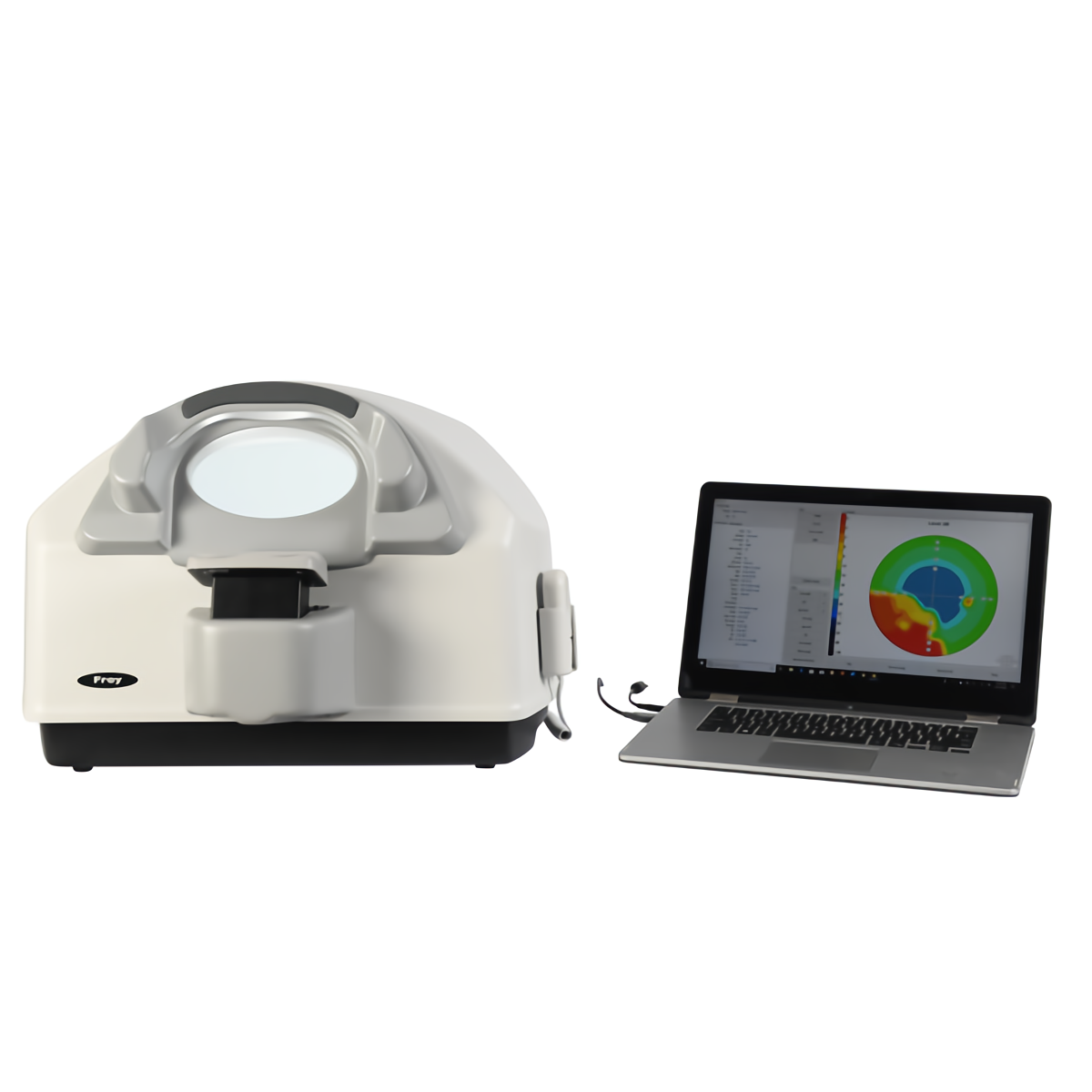
Frey Perímetro AP-50

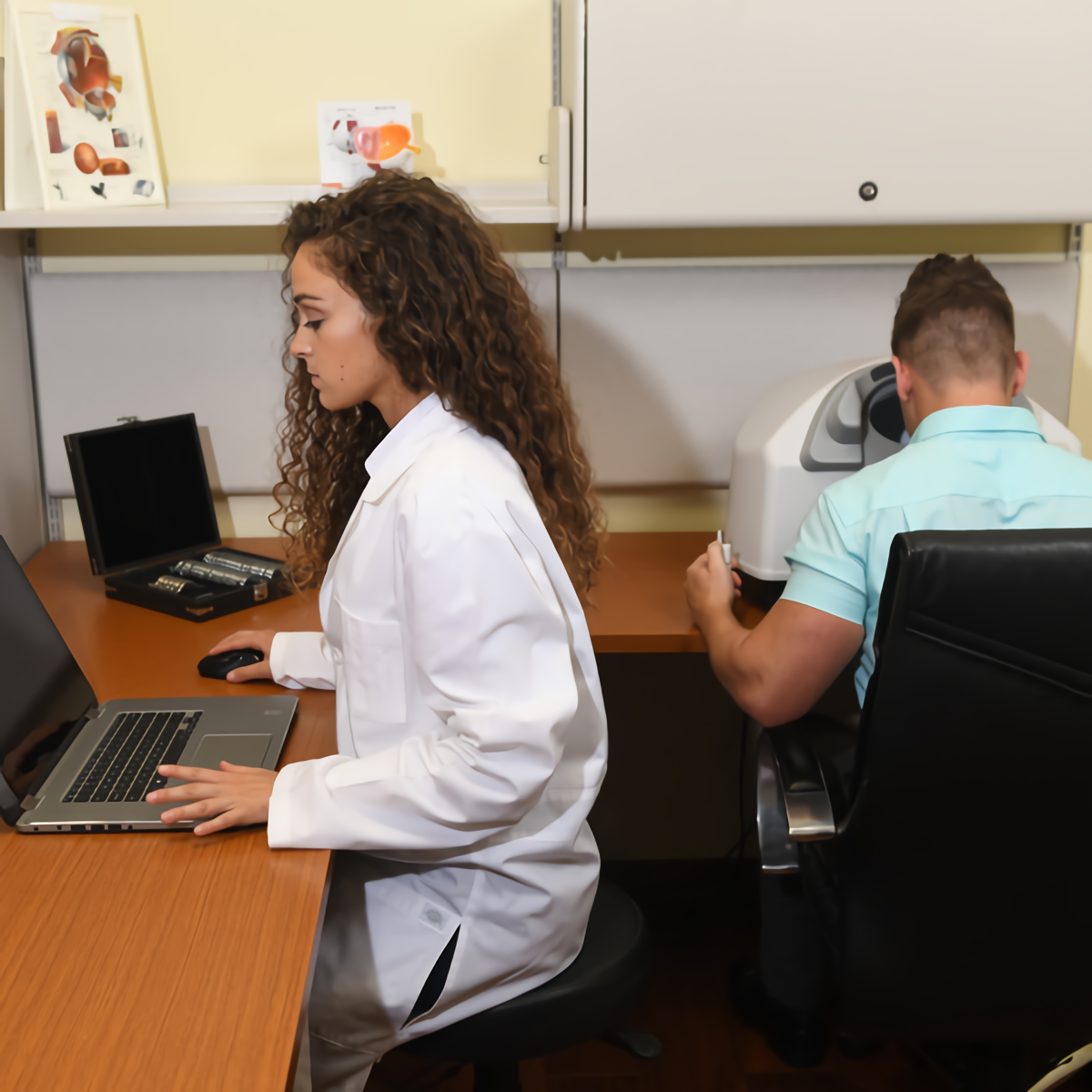
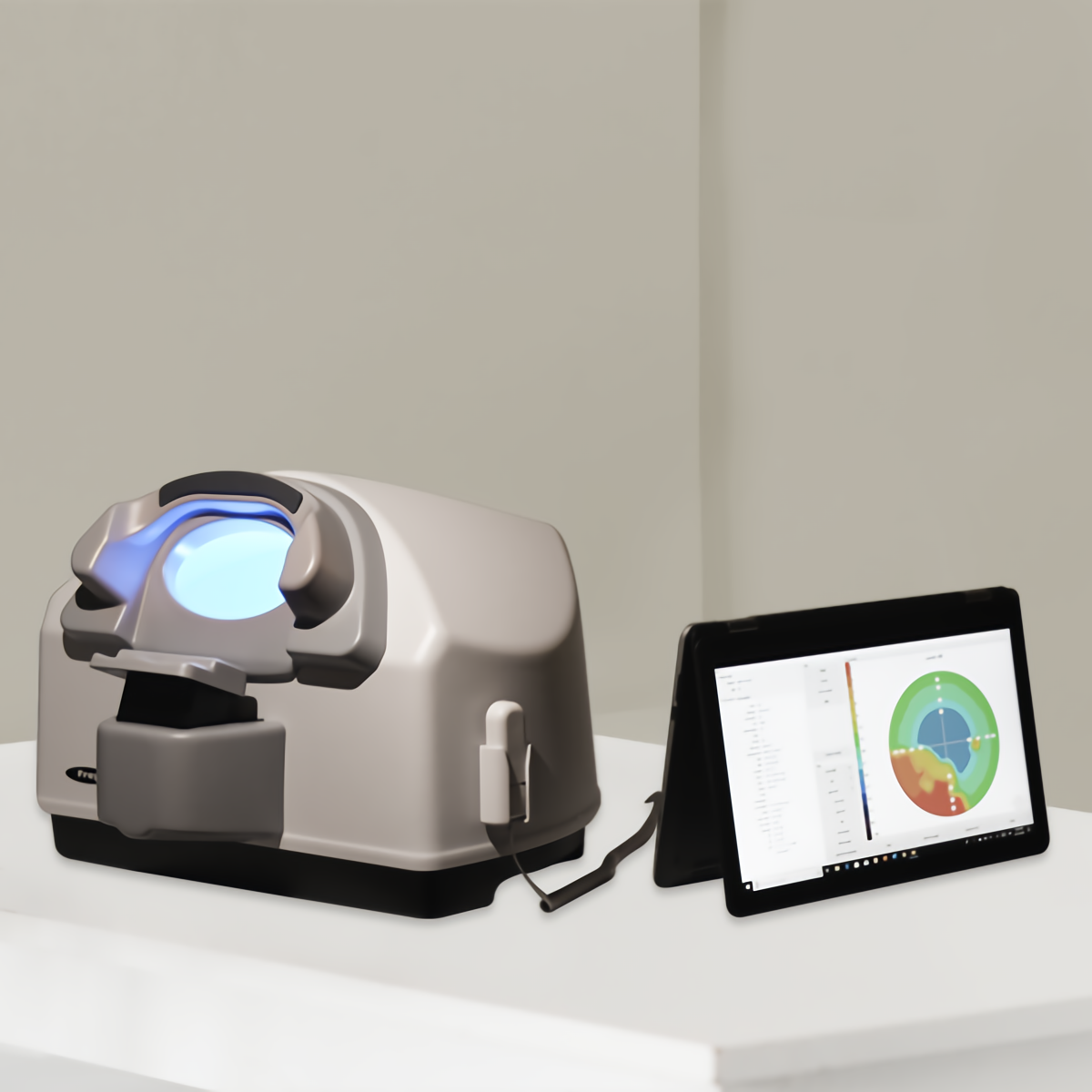
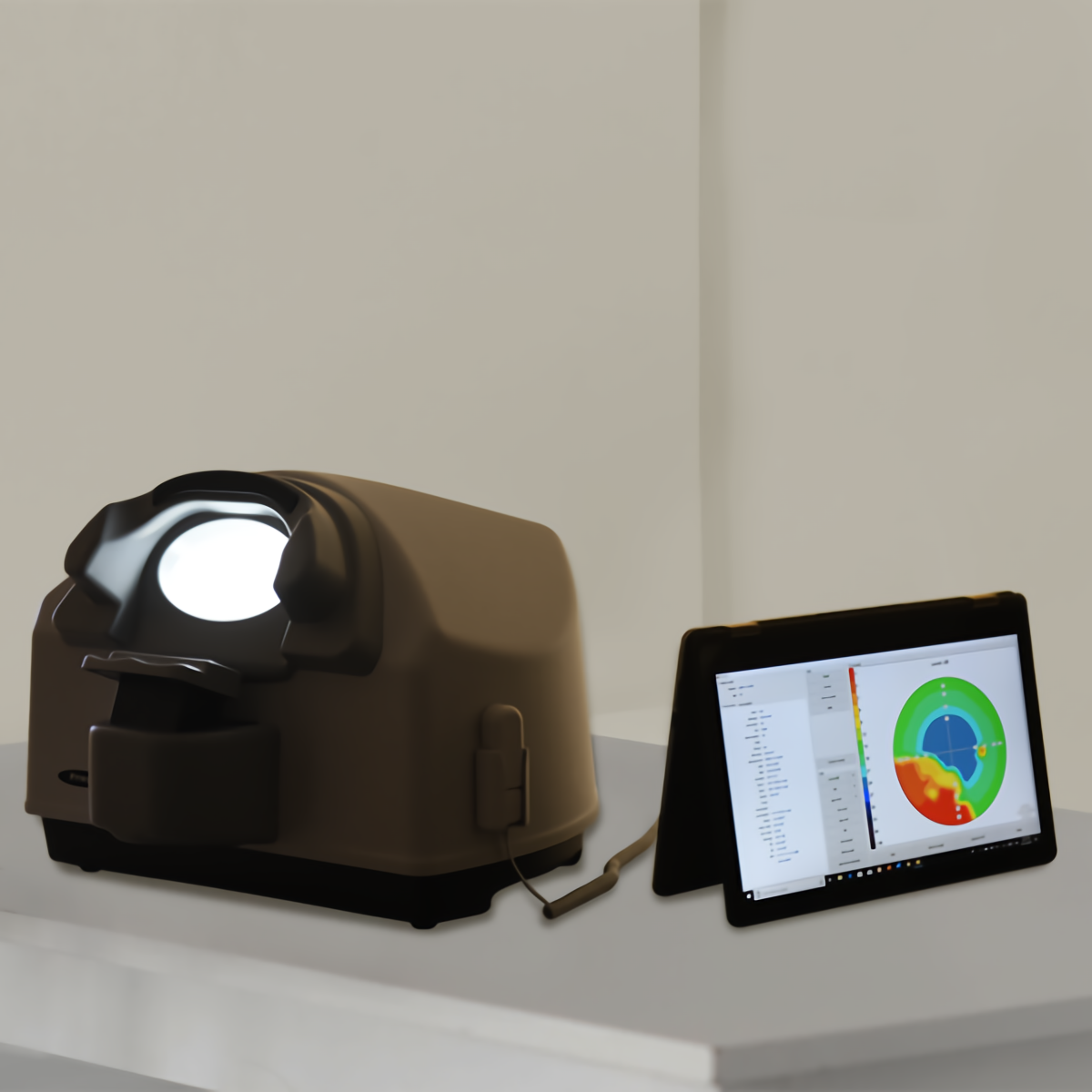
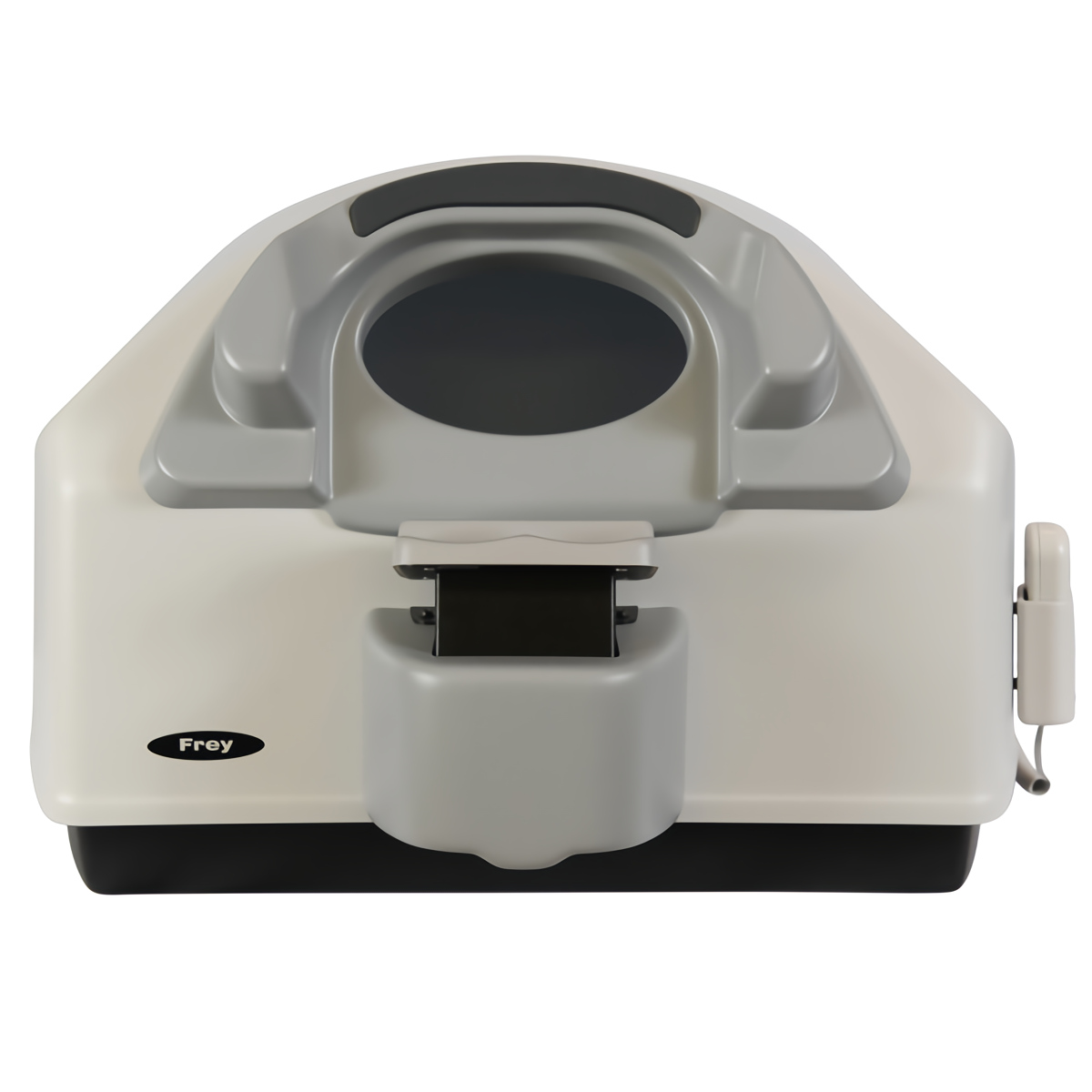
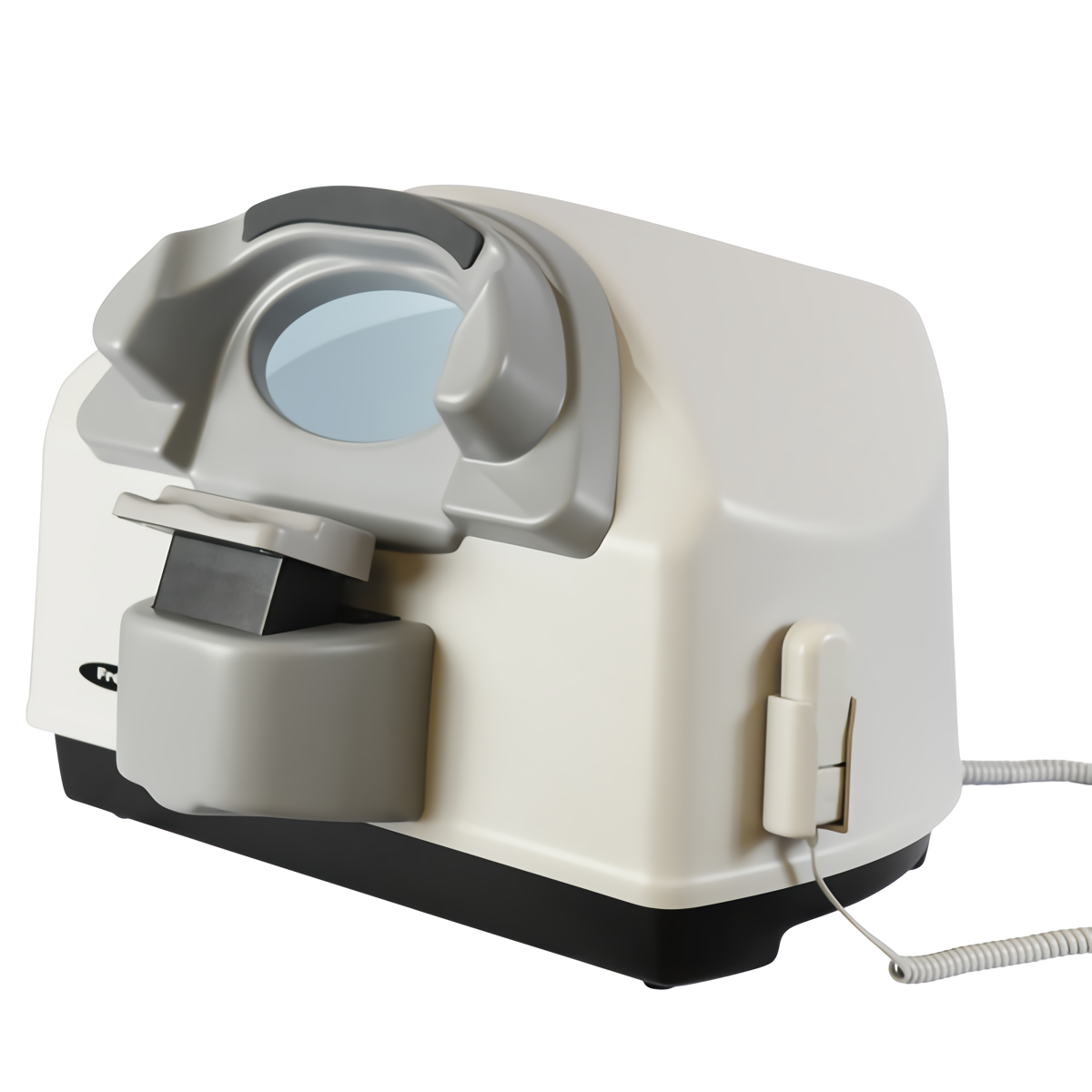
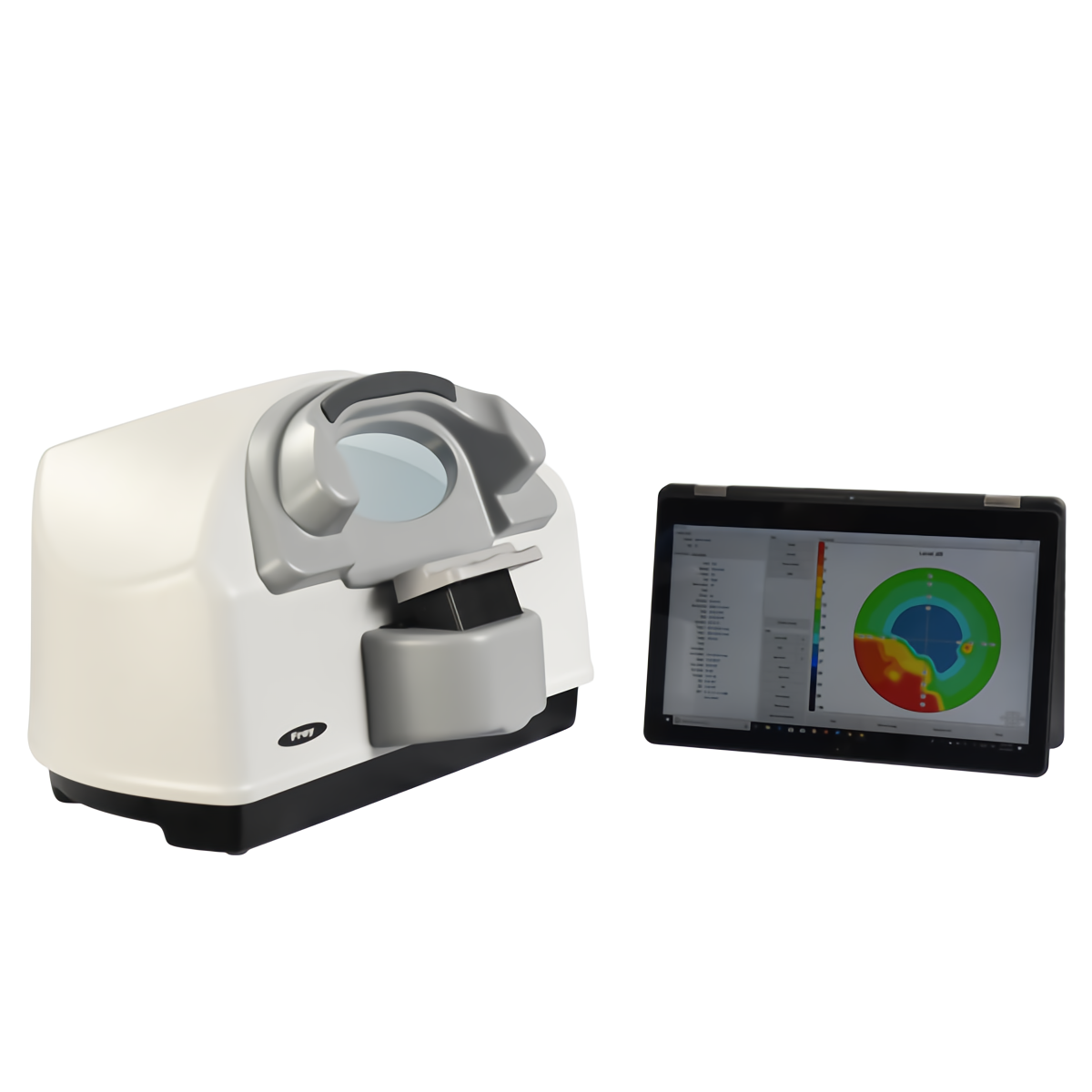
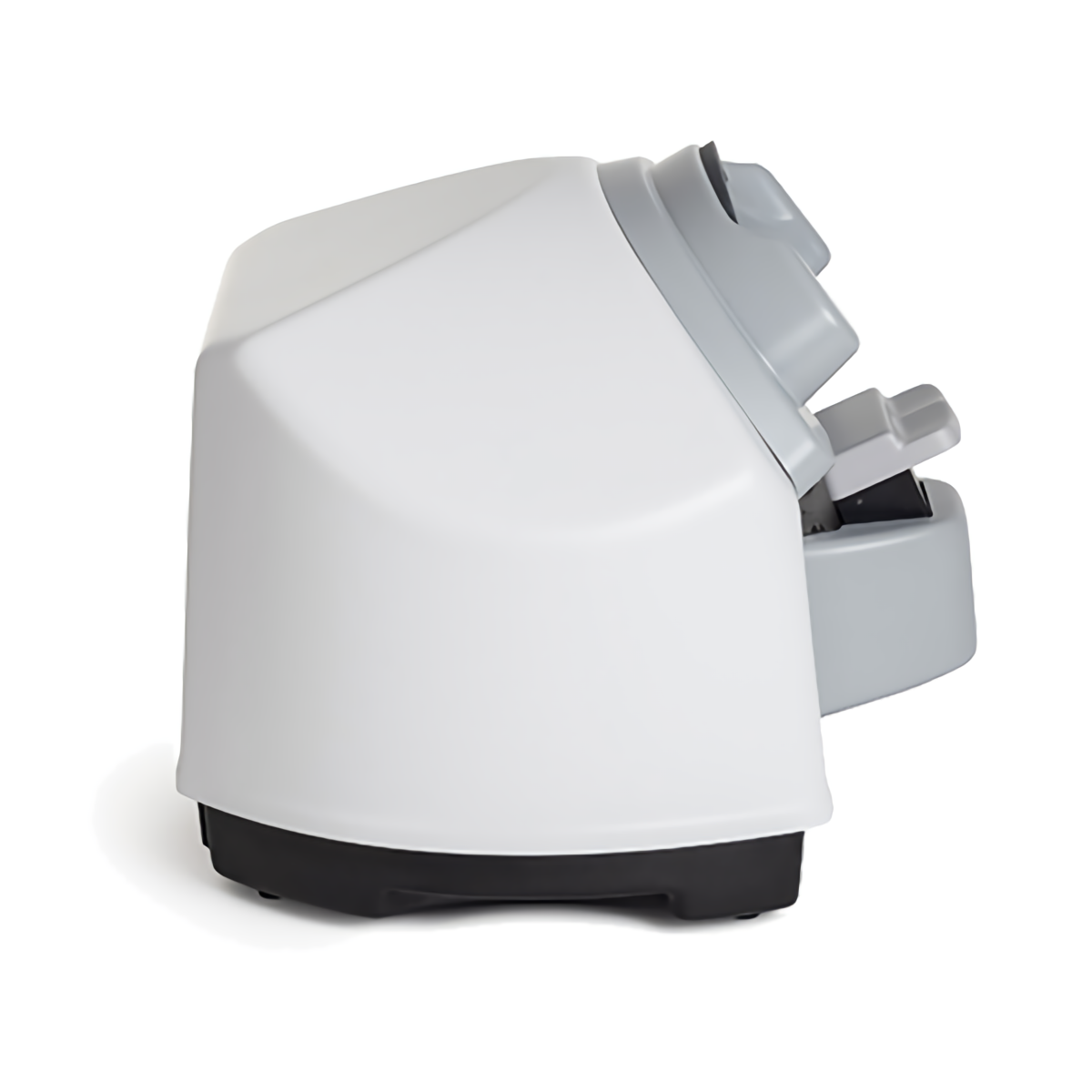
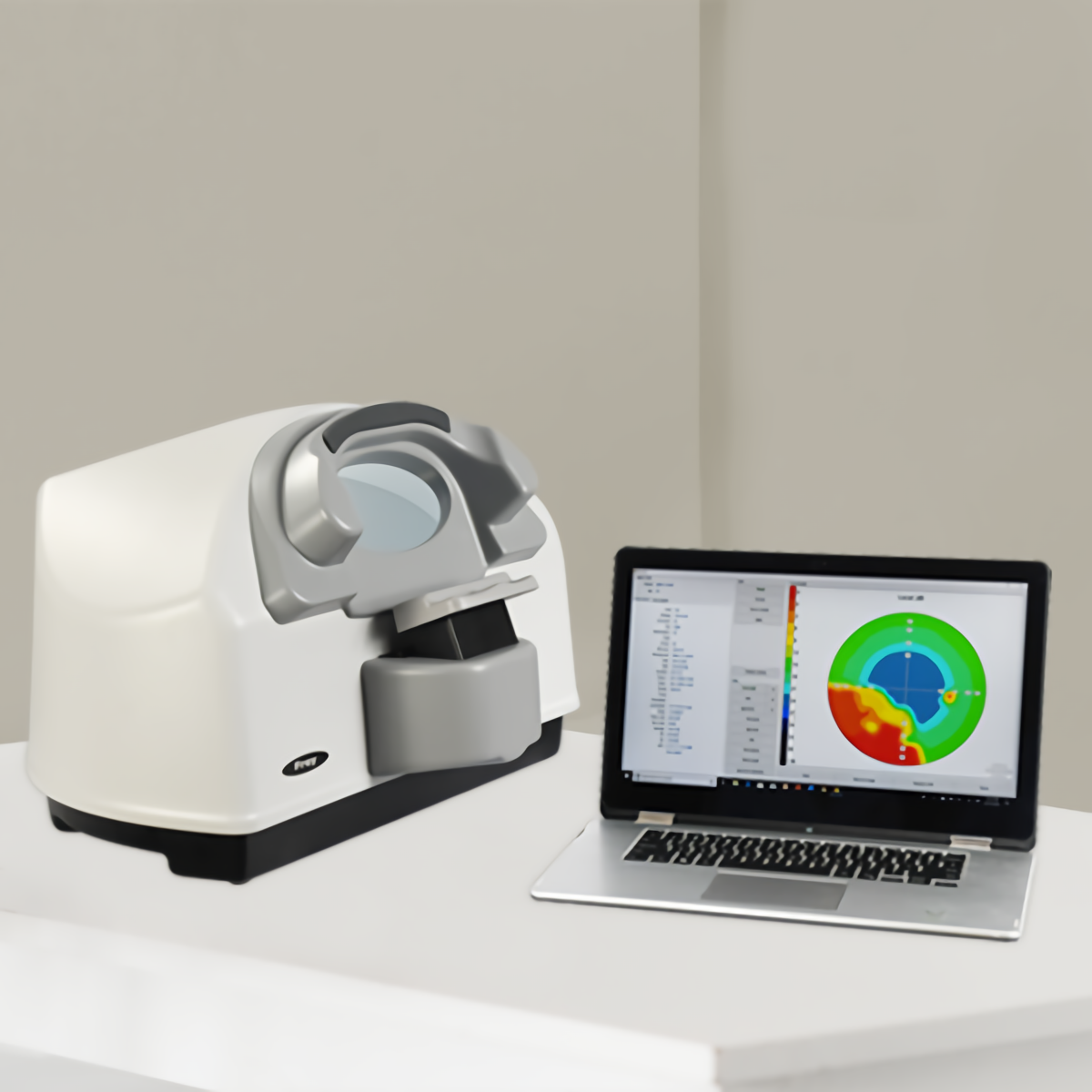
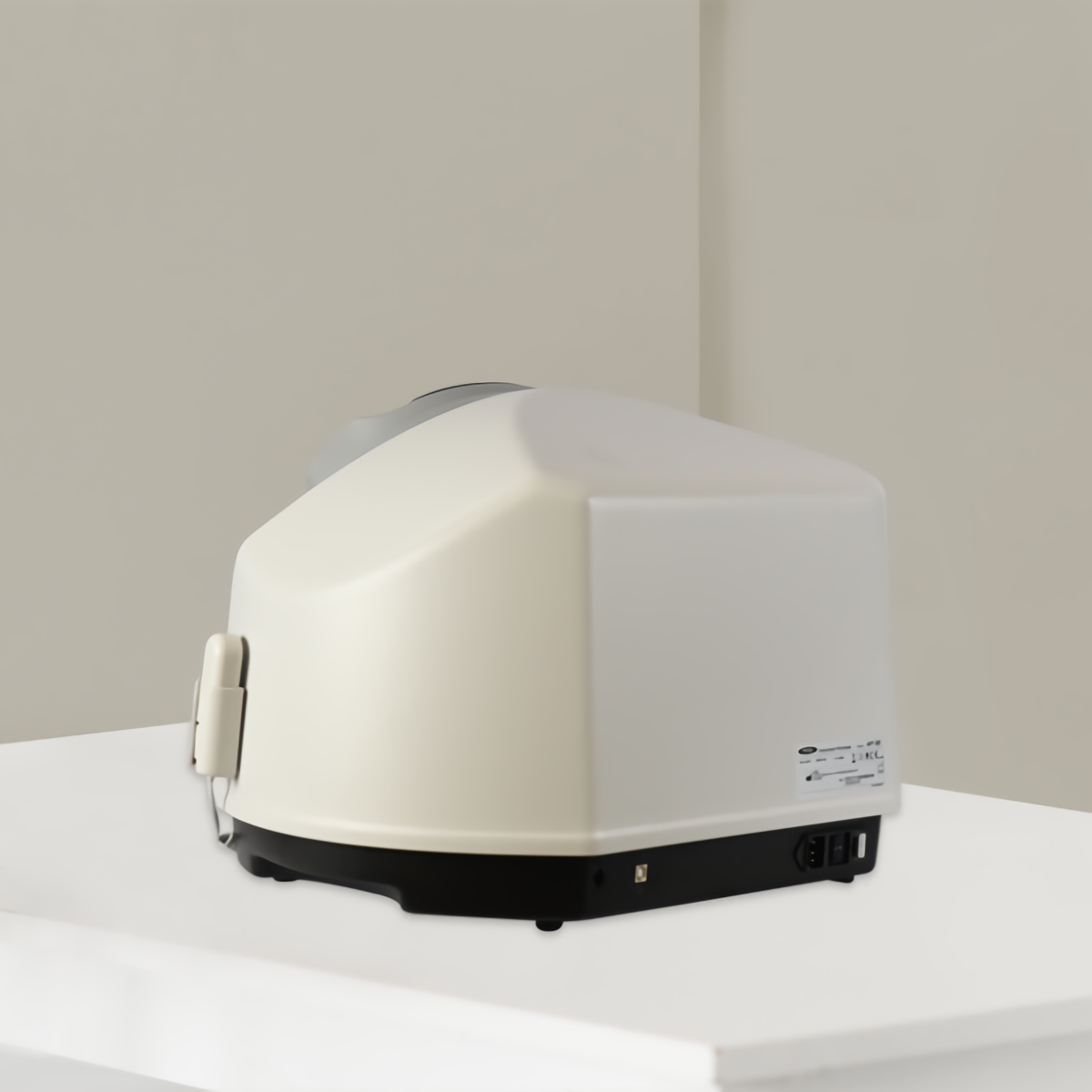
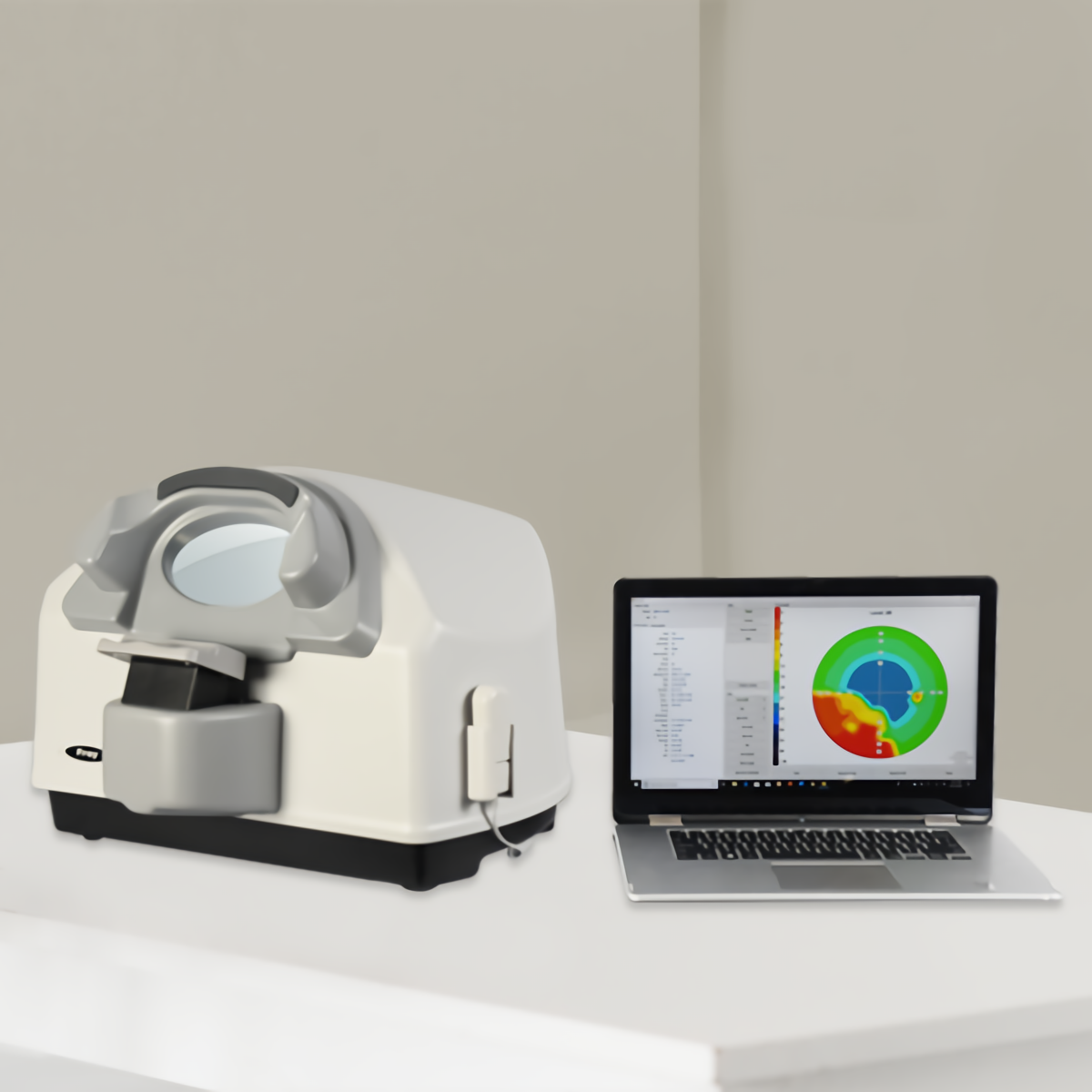
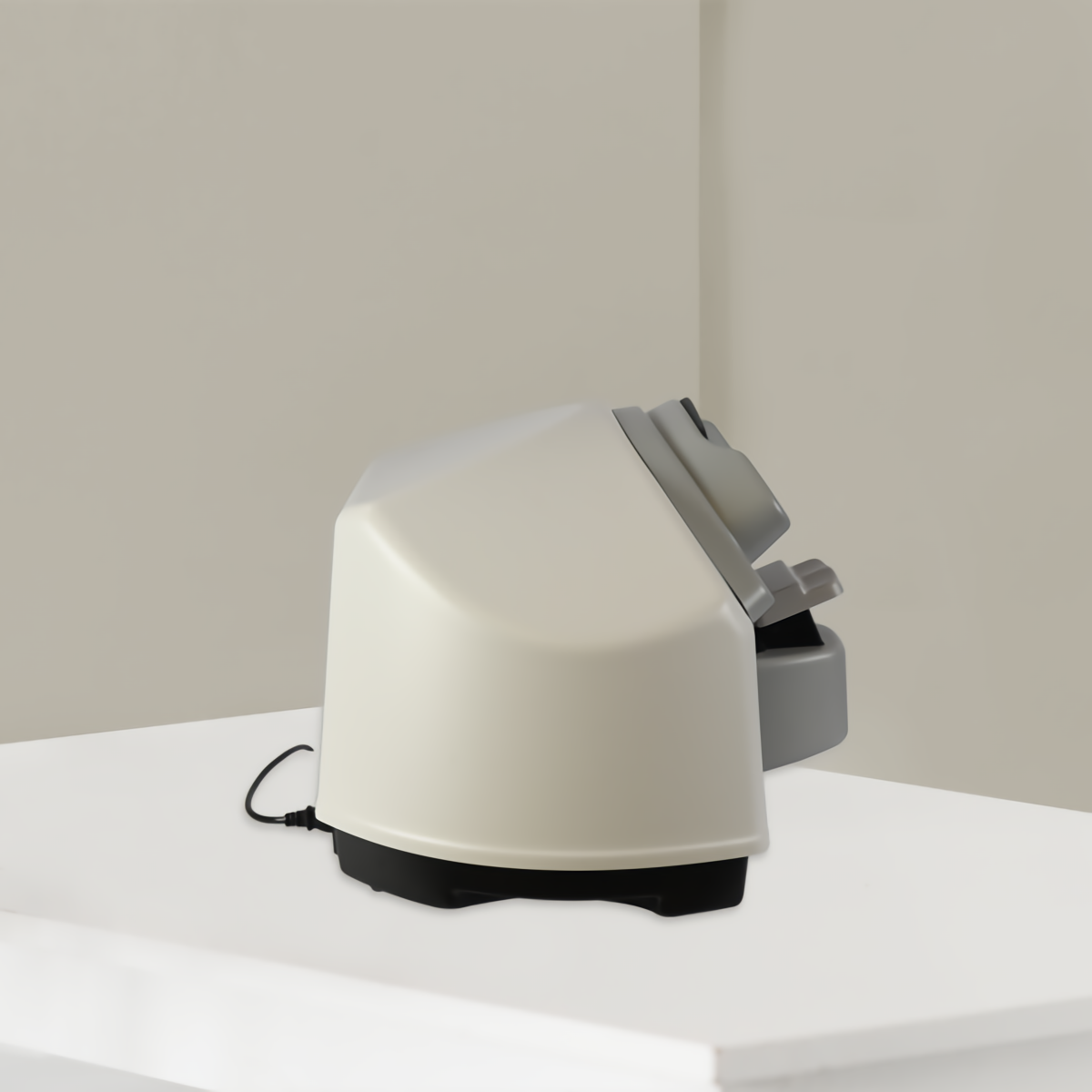
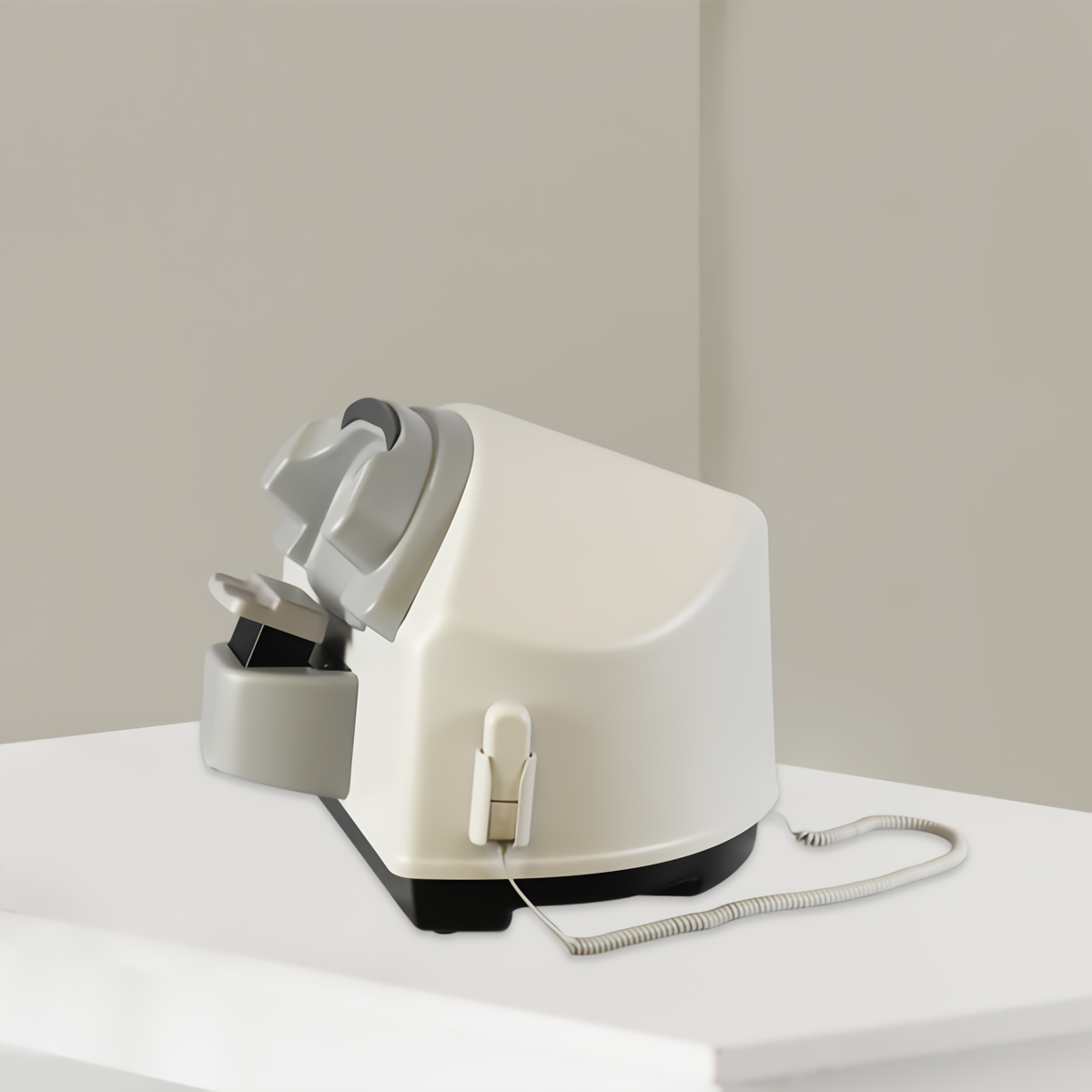
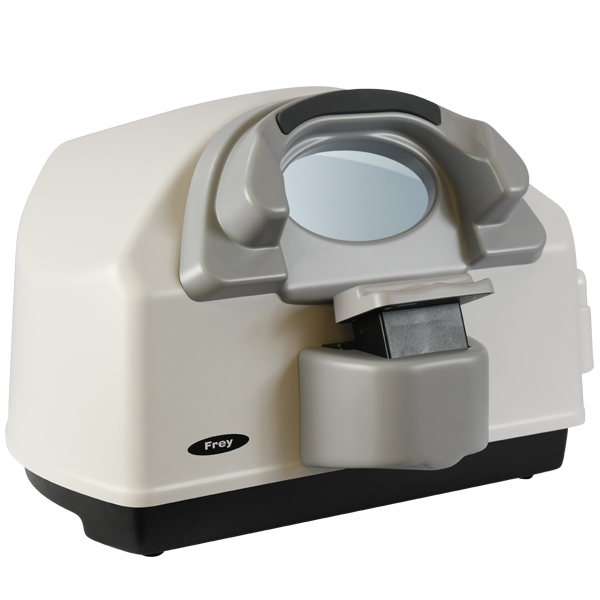
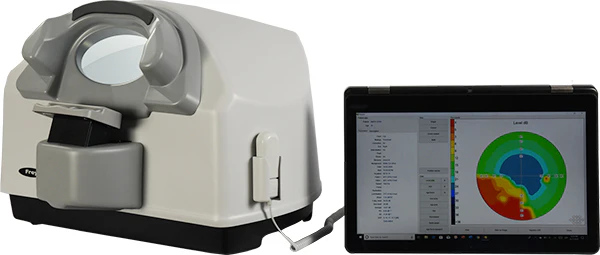
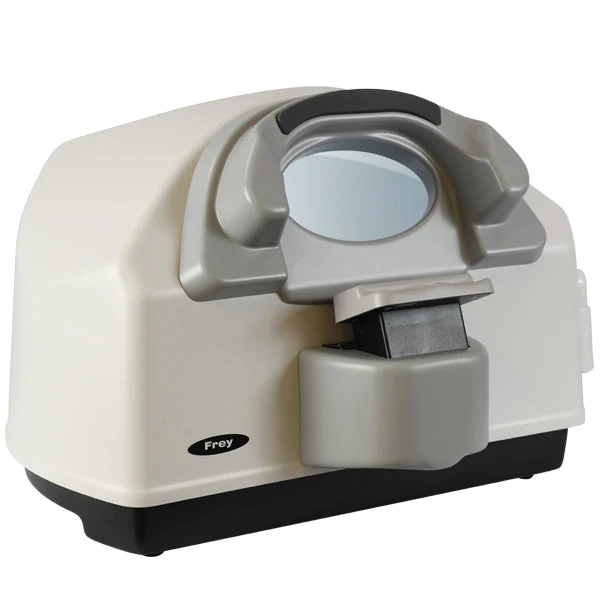
O AP-50 é um modelo de mesa, leve e totalmente equipado, um perímetro estático automatizado moderno, ideal para o diagnóstico de glaucoma e para as necessidades específicas da medicina ocupacional e de clínicos móveis com grande fluxo de pacientes. O AP-50 utiliza projeção traseira de estímulo por LED na cor branca e oferece uma ampla gama de estratégias, campos de teste e um conjunto completo de parâmetros para garantir medições rápidas e precisas. O controle de fixação é realizado automaticamente por meio da câmera integrada ou pelo monitoramento da posição do ponto cego. As análises de dados integradas incluem análise de regressão e métodos padronizados de apresentação e impressão dos resultados dos exames. O perímetro AP-50 pode ser utilizado com qualquer computador PC que rode o sistema operacional Windows.

*O PC não está incluído
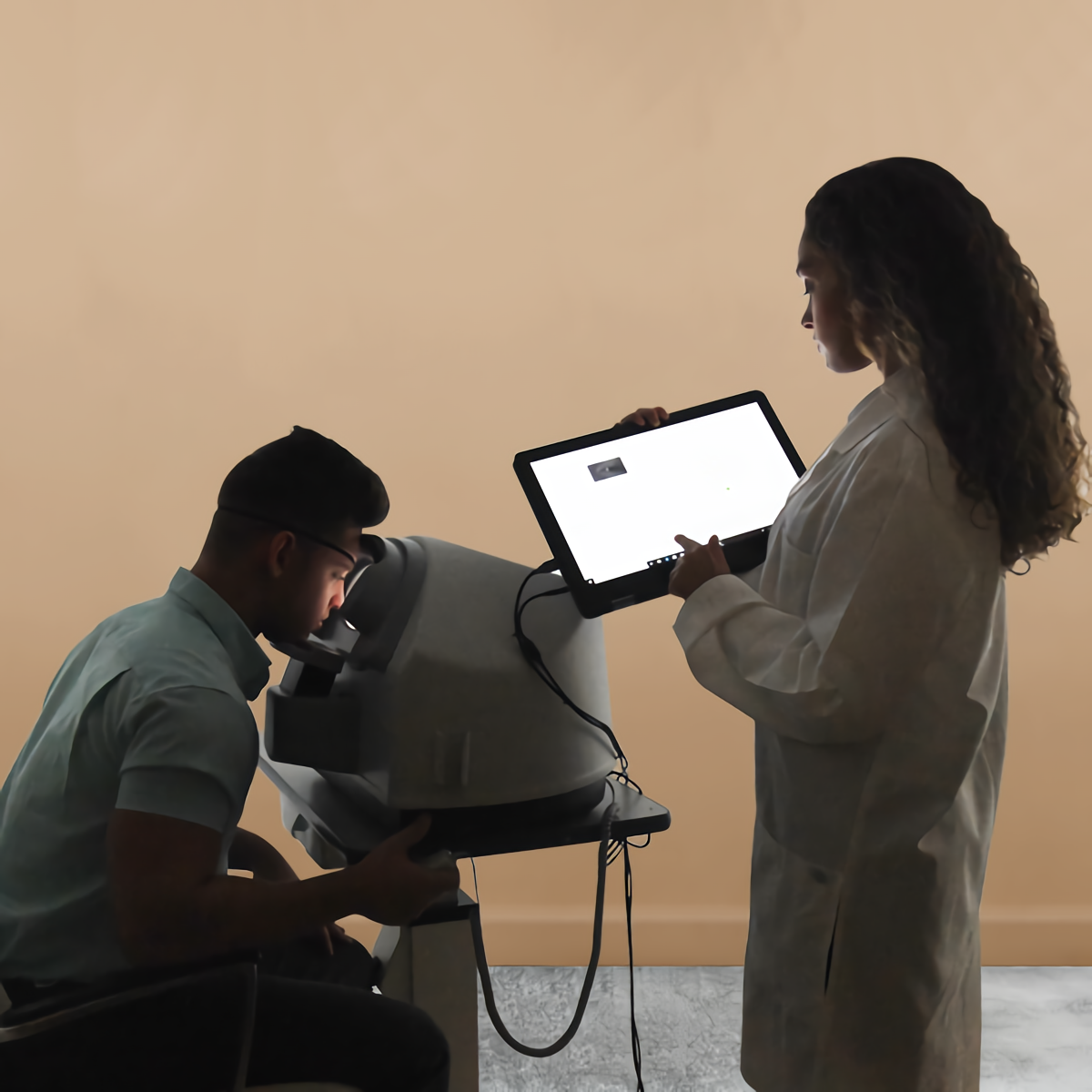
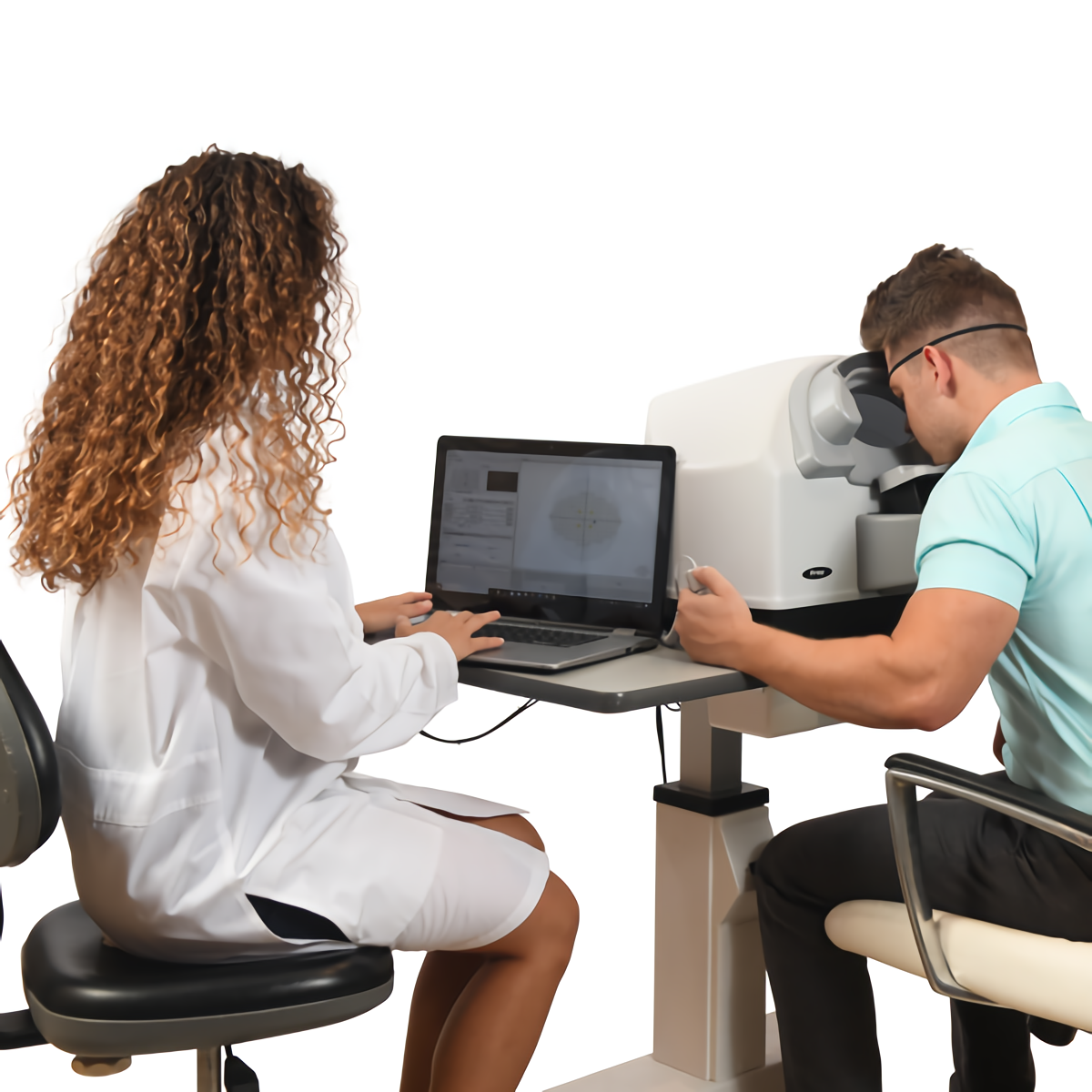
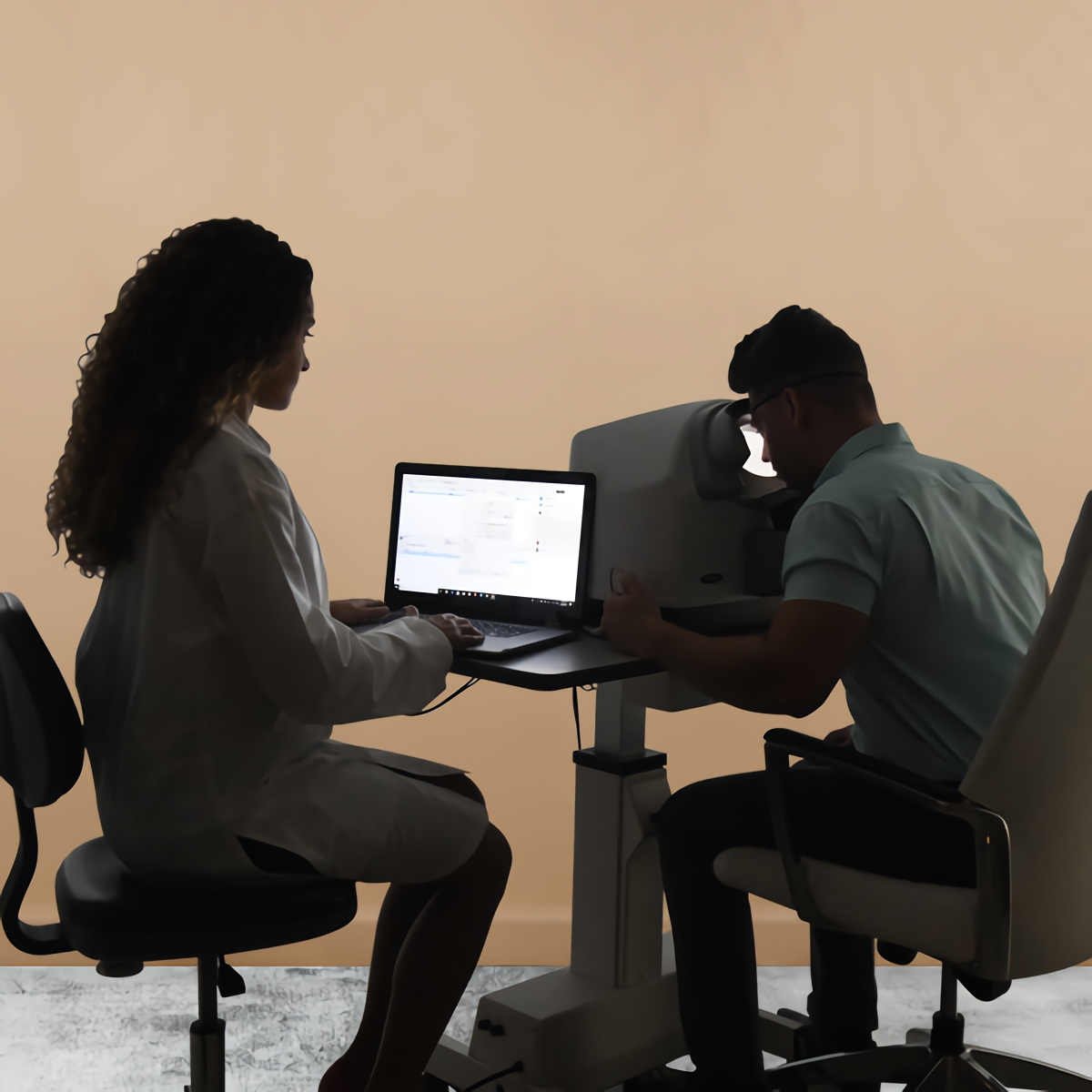
Focus on the patient – ​​enhanced comfort.
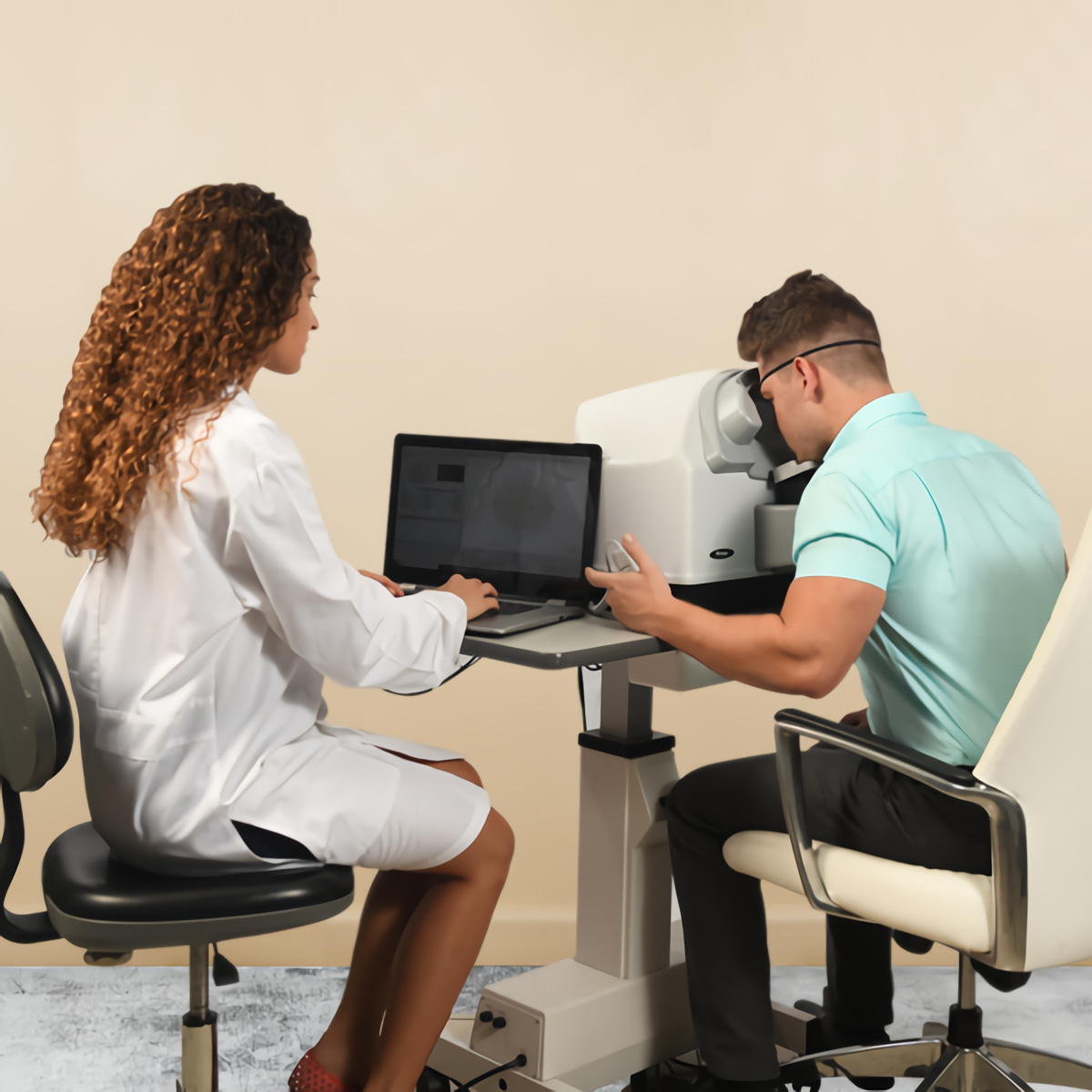
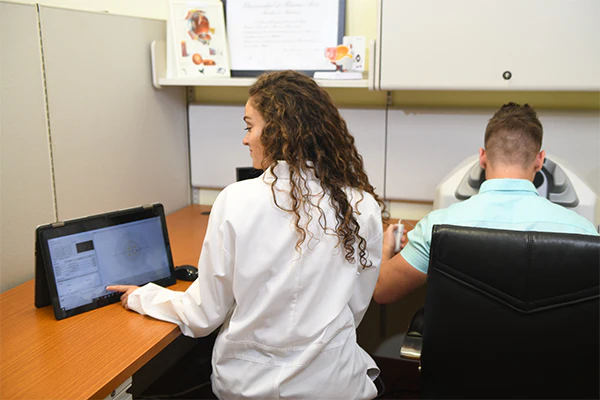
Visual field testing is a collaborative effort between clinician and patient. Perimetry is a team effort. A well-assisted patient, for whom comfort is maximized, improves the reliability of the visual field test. This greater reliability translates into more accurate and effective diagnosis and clinical management. In turn, this improves outcomes and satisfaction throughout the patient’s journey, which can extend for decades. Frey has provided greater patient comfort with a chin rest designed for comfort and stability. The patient’s head is supported throughout the examination. The AP-50 features improved ventilation for the patient, which reduces stress and increases comfort.

Precise Results
The stimulator dome offers a high density of concentric points. Enhanced stimulus control combined with automated eye tracking provides repeatable and accurate examinations of the patient’s visual field loss.


Fast Test Times:

Efficient test completion is ensured by rapid screening and thresholding strategies and enhanced fixation methods. Patients with advanced visual field loss benefit from standard calibration support.

Operating Modes:

Static Test Mode:
The AP-50 emits stationary stimuli of varying luminance to determine the patient’s threshold. A dim light is present in a specific location, and if the patient does not see it, the stimulus intensity increases. The patient’s responses are then compared to those of an age-matched control group individual. The test is defined by Test and Strategy, white-on-white stimulus colors, and Goldman III size. These are available for static tests, and the results are more reliable and of higher quality.

Binocular Test:
The AP-50 meets specific visual field testing requirements for drivers and occupational medicine. The measurement range covers up to 160 degrees temporally, and both eyes can be tested simultaneously.

Static Test Parameters

The backlight illumination color is white for all of the tests.
It is important to select the appropriate test strategy and we test almost twice as many points than our competitors for the same field of vision. In addition, the AP-50 provides smart threshold that further improves testing accuracy.

Review of results – static perimeter
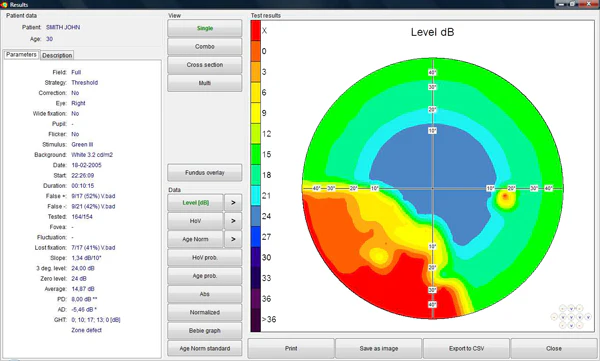
The “Results” screen is divided into functional group boxes. Detailed descriptions of the boxes are provided in the following section (Single, Combo, Cross Section View and Multi).

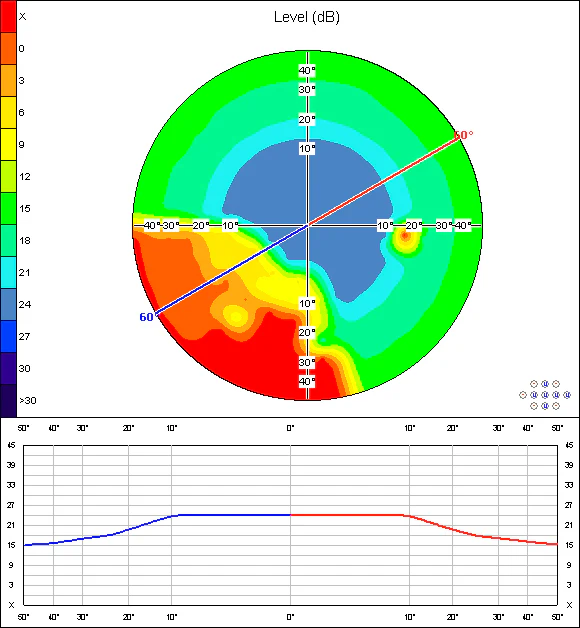
Cross Section View
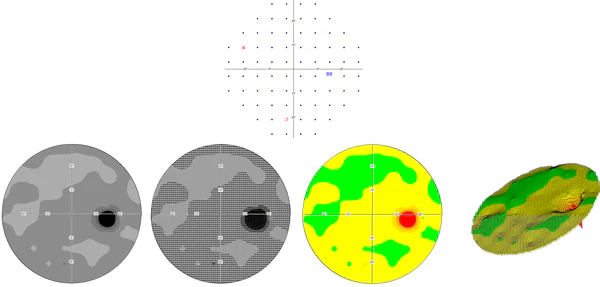
A graphical map that divides the visual field into two parts, represented by the colors red and blue. This study facilitates the selection of the cutoff angle and allows for the measurement of sensitivity in decibels in all directions of the visual field up to 60˚.

Fundus Overlay Function
This is a unique approach that allows selective retinal areas to be tested. The stimulus locations are set based on the patient’s fundus image, while the area and density of the test points are set manually.

Fundus Overlay View
The Automated Perimeter software allows users to overlay the exam results with the fundus images that are taken by the fundus camera. In order to get the overlay, after selecting the option “Fundus Overlay”, load the fundus image from the file or select the image from the ones that have already been saved.
The next step is the selection of two orientation points, which are used for the calculation of positions for the exam results. These points are a fovea and a blind spot. Press the button marked “Fovea,” and click the fovea position on the fundus image. Next, press the button marked “blind spot,” and click the blind spot position on the fundus image. The exam results are now displayed on the fundus image. The overlay can then be saved by using option “Save overlay”.

Intuitive Software:
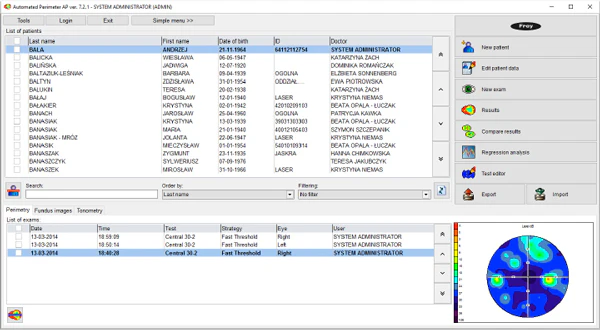
The AP-50 was designed with a focus on the patient and clinician. Frey’s perimeter software is intuitive and user-friendly, facilitating efficient and effective operation by different professionals. Interactive menus offer complete information and efficient operation, reducing preparation, review, and printing time for exams. This platform supports clinical excellence with increased patient flow and effectiveness.

Information about the version
Add new patient
Edit patient data
Start new exam
Review of results
Comparison function
Regression analysis
Test editor
Export/Import Function

Dual Main Screen Option
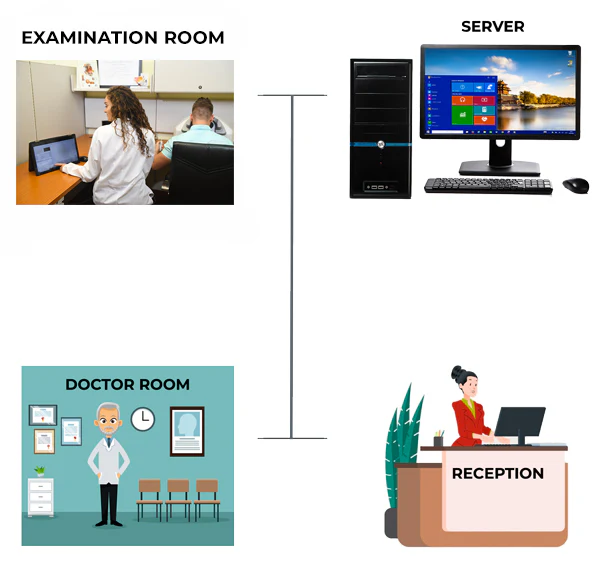
This resource allows two main screen options, it is simplified for use in the test room by the operator, it allows custom test selection, it is a standardized test procedure, and it has a complete interface for reception areas or doctors’ rooms.

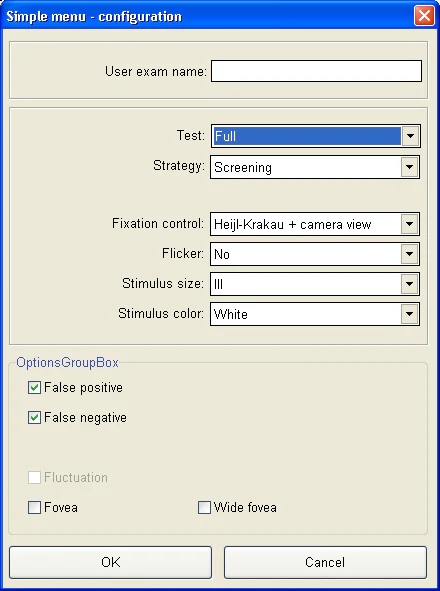
Simple menu customization:
The simple menu is fully customizable, and all test parameters can be configured according to the client’s needs. The clinical workflow is also improved, allowing for standardization of the test procedure. Furthermore, the software is very user-friendly, with minimal requirements.

Fixation Control
The AP-50 Automated Perimeter has two fixation control mechanisms.

Heijl-Krakau Method
A classic method that verifies the blind spot position by evaluating a total of 11 random points to ensure correct eye position.

Eye Position Method
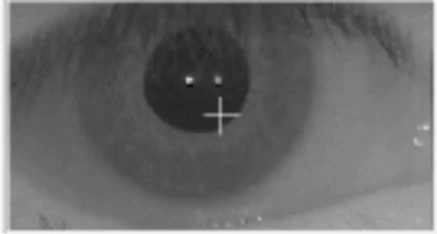
The AP-50 facilitates fixation analysis using a video camera that allows constant monitoring of the pupil. The advantage of this method is that it rejects patient responses when fixation is not present.

Reliability
Automated fixation control, with integrated camera and automatic eye tracking, supports both the patient and the clinician. This increases the repeatability and reliability of data capture.

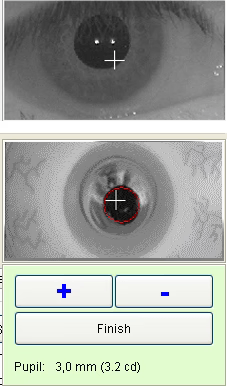
Automatic pupil detection
When the automatic fixation monitoring method is used, the software detects the current eye position. It is not necessary to keep the eye centered in the image during the test, although it is essential that the patient looks at the fixation point at all times. Eye positioning control can be done via the screen, joystick, or software. Additionally, the chin rest can be moved up and down.

Advanced Techniques
In the past, glaucoma was only diagnosed in advanced stages. Currently, new technologies allow for the early detection of this condition.

Flicker (Fusion Critical of Blink):
Glaucoma affects sensitivity to flashing lights.
FFC analyzes the patient’s ability to perceive light/dark alternations in different locations of the visual field. It also measures early neuronal damage, detecting glaucoma in its initial stages.

Single Print
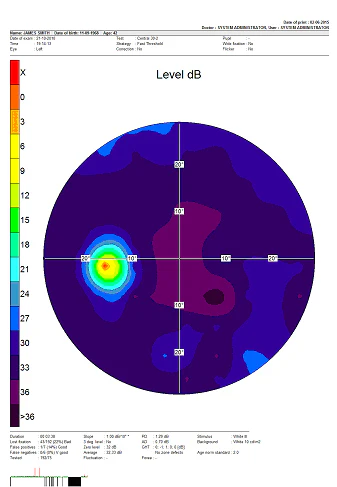
The AP-50 uses the simplest form of printing, containing a large graphic map representing the exam results. The printout will be in the same format chosen on the “Results” screen in “Single mode”. When “Single mode” is not selected, the dB level map in grayscale is printed by default. The advantage of the “Single Print” option is its very high legibility.

LED LIGHT SOURCE

All AP-50 light sources are LEDs
The system is maintenance free
It demonstrates high light source stability over the time
Real white on white perimeter

Reliability:
Reliable automated fixation control, with integrated camera and automatic eye tracking, supports both patient and clinician, increasing repeatability and reliability in data capture.

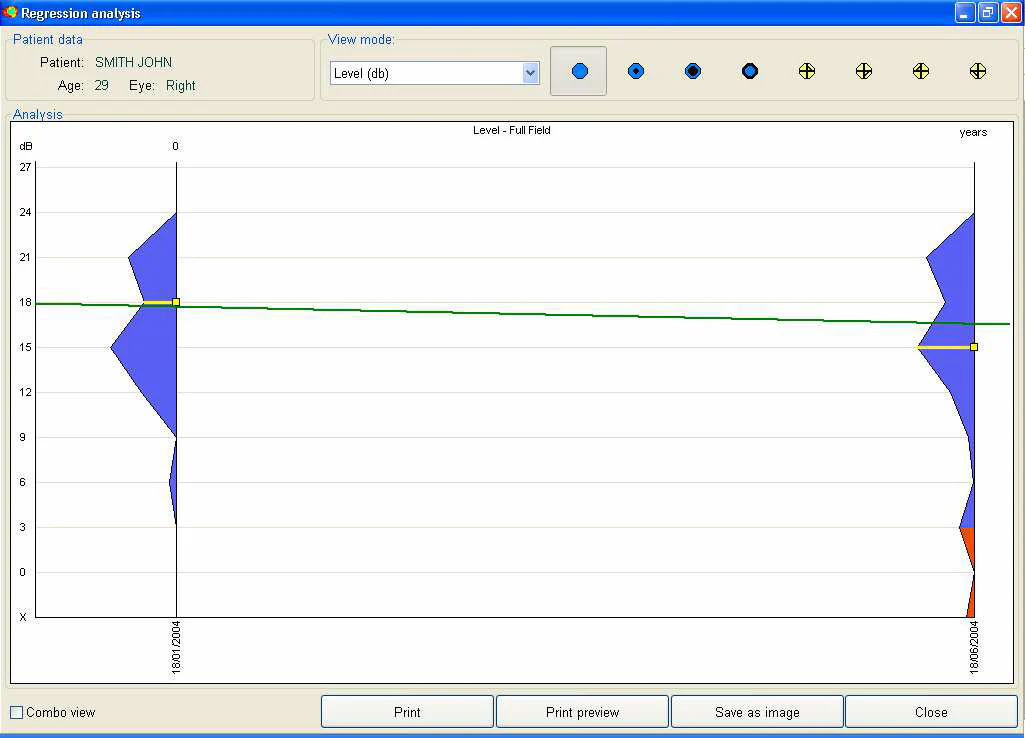
Regression Analysis – Static Perimetry:
The AP software is equipped with options that allow you to observe changes in the patient’s vision in several ways. The first possibility is the simple comparison of results, described in the previous section. The second, more advanced, is regression analysis, which helps the user observe regression or progression of vision over time.
At least two patient examination results are required to perform regression analysis. The examinations must be conducted using the same strategy, but on different days.
Patient name, age, and eye tested are listed in the upper left of the screen. A selection box in the upper center allows you to choose one of five parameters to calculate and display the regression graph. The following can be selected:

Level in decibels
Hill of Vision – decibel level
Pattern defect (PD)
Average defect (AD)

The selection box becomes available when “Single mode” is selected (in the lower right corner of the screen). “Combo mode” displays all five regression graph modes together.

Test Editing
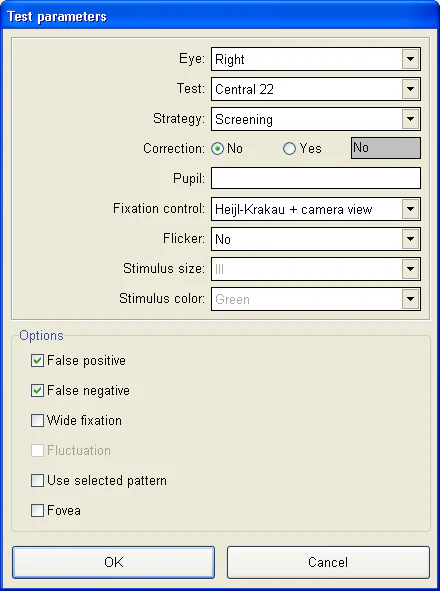
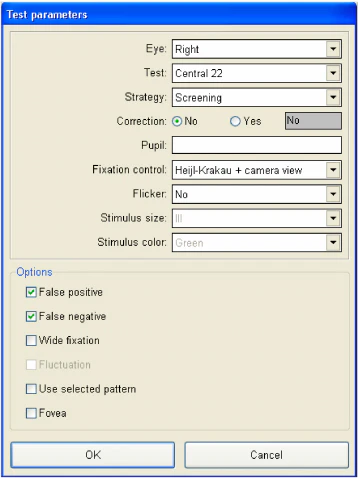
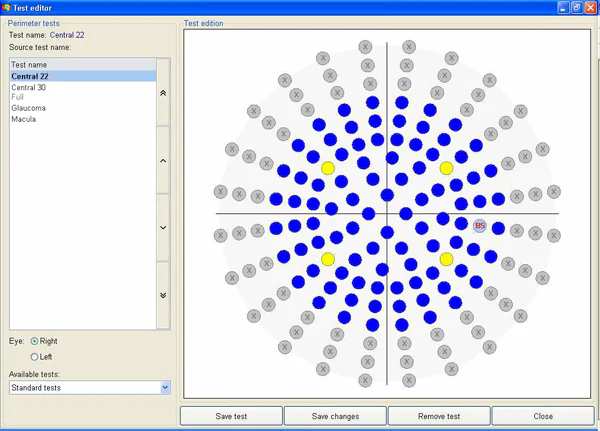
Function: This function allows you to define a custom test field. It is especially useful when only part of the patient’s visual field needs to be examined, for example, the area where field loss was observed in previous examinations. Using a custom field can reduce patient discomfort and examination time.
Before starting the editing process, you must select the affected eye (right or left) and the name of the test field that will serve as the default. Fields available by default:

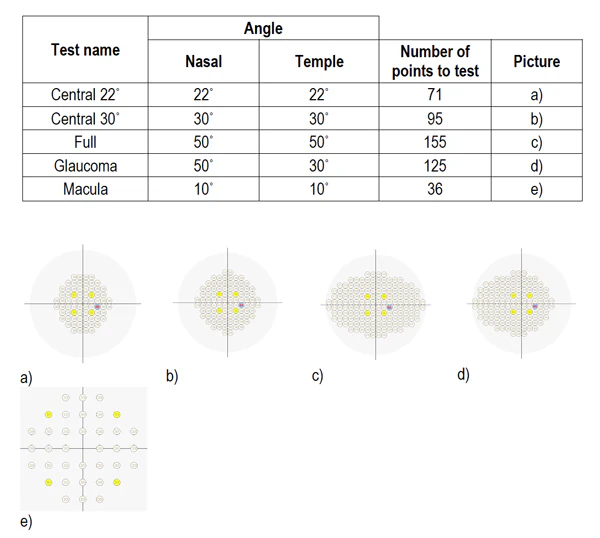
Central 22˚
Central 30˚
Full
Glaucoma
Stain

The selection box becomes available when “Single mode” is selected (in the lower right corner of the screen). “Combo mode” displays all five regression graph modes together.

Hill of Vision Probability Map
The “Hill of vision probability map” shows the probability of Hill of Vision defects for each point in the field. The probabilities are calculated from the differences between the theoretical and calculated hills. The lower the probability, the greater the visual field defect.

Comprehensive Analysis Modes:
The reliability and functionality of the AP-50 are enhanced by comprehensive analysis modes based on worldwide population statistics.
The shaded maps feature enhanced 3D functionality.

Age-Normal Map:
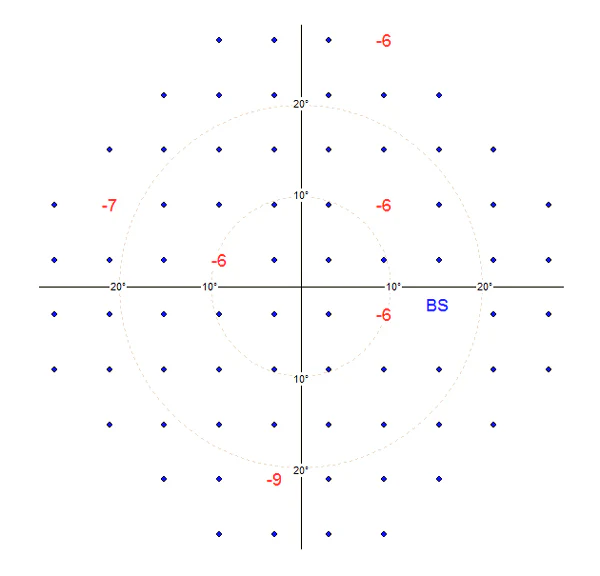
The “Age Normal” map displays the differences between normal values ​​for age and the values ​​obtained in the test. Thus, it reflects the difference between the theoretical dB level map and the measured value.
The “Age Normal” map can be displayed in the following formats: numeric, grayscale, color scale, pattern scale, and 3D graph.

Multiple Testing Capabilities:
Frey’s automated perimetry technology offers complete flexibility for clinician and patient. It allows for testing for glaucoma, full field, and flicker. This flexible platform covers clinical challenges ranging from glaucoma to neurology and beyond.

Standard Tests – Static Perimetry:
Standard tests are available by default in the AP software, and each is described in the tables and images below.

Networking
The AP-50 consistently delivers excellence in visual field measurement and analysis. This critical information can be integrated into the computer network; multiple perimeters can share a single database, facilitating large clinics and patient flow. The automatic backup function ensures data security for patients and clinicians throughout the entire journey. Frey prides itself on offering access to the highest quality technical support and service, anytime, anywhere.

The AP-50 software was designed to operate in a PC network environment.
It can be installed on multiple PCs without an additional license fee.
All PCs can share a single database.
You can use a centralized server for database storage.
It has an automatic backup function for data security.

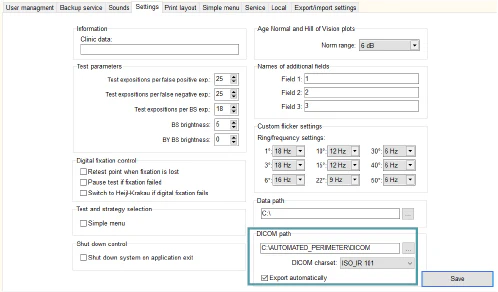
DICOM Export
Each exam result can be stored in DICOM format directly on the data review screen.
Additionally, automatic DICOM storage to any network location can be configured in the Service settings.